Everything Athar does
Each feature explained on its own: what it does and why it exists. Then how to use it in seconds.
Athar isn't an app about numbers. Every feature here exists to answer a question that actually keeps you up about your money.
5 ways to record a transaction
Because the number one reason people abandon expense apps is that logging itself is a chore.
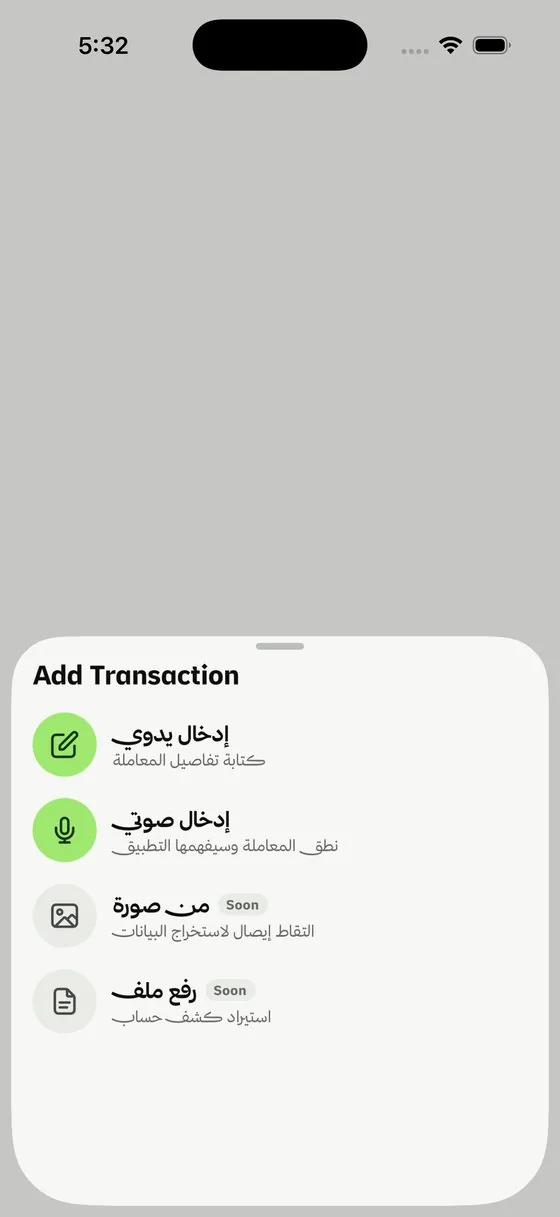
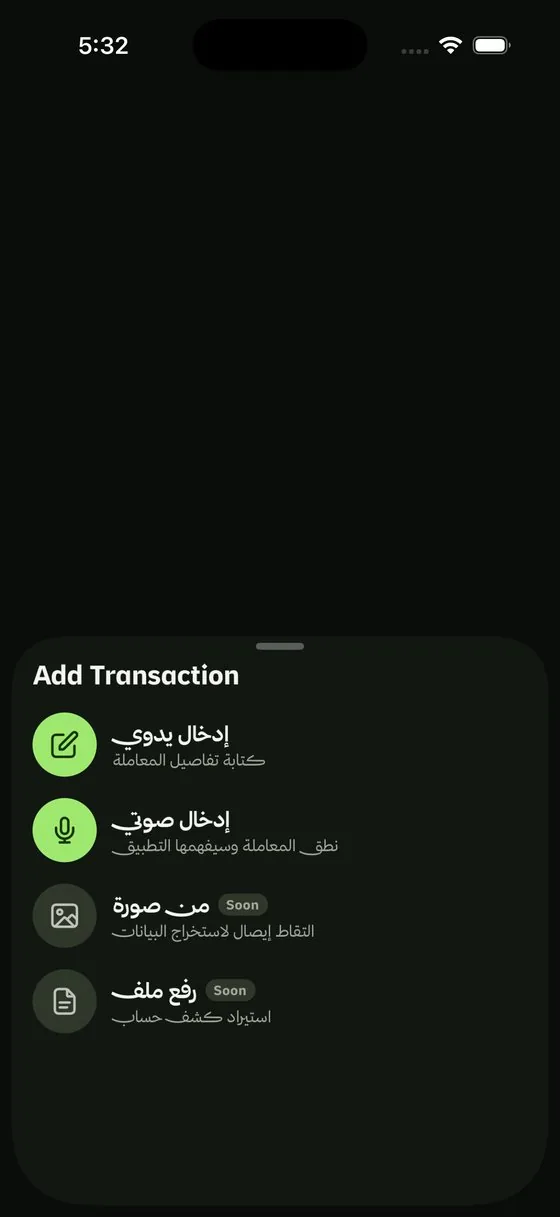
From the app, with figures masked for privacy
How to use it
- Type it: tap ➕, enter the amount, pick a category and wallet, save. The fewest taps possible.
- Say it: tap the mic and speak naturally: "Paid 75 for coffee from my cash wallet." Athar turns it into a full transaction, and it works offline.
- Snap a receipt: photograph it and Athar extracts the amount, date and merchant automatically.
- From a bank message: set it up once, and every bank message after that walks into Athar on its own and waits for your approval, Apple Pay included.
- Import a statement: upload a PDF from any bank and it reads a whole month in minutes.
Everything extracted automatically stays pending your approval. You review it before it counts.
All your wallets in one place
So you know "how much do I have right now?" at a glance, instead of adding up balances in your head.
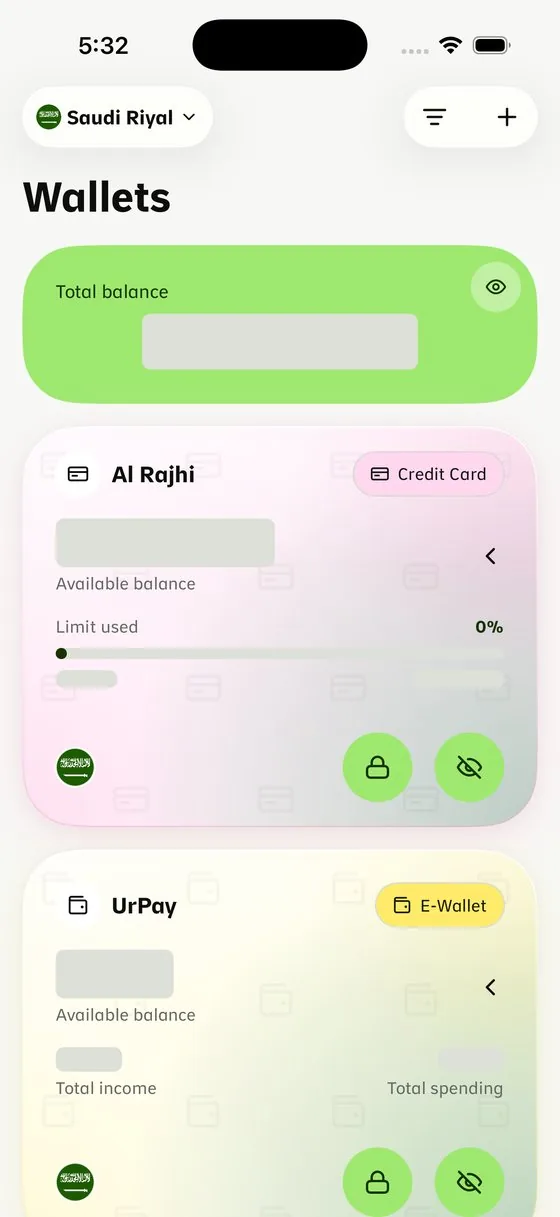
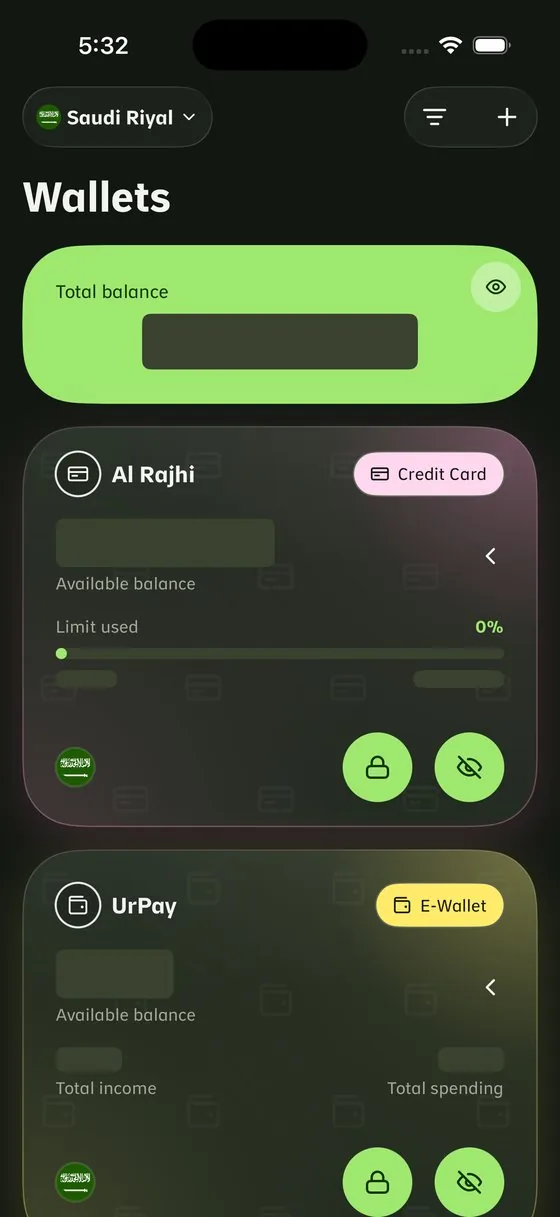
From the app, with figures masked for privacy
How to use it
- Add cash, banks, cards and e-wallets, each with its bank logo.
- Each wallet keeps its own currency; totals convert at today's rate automatically.
- Transfer between two wallets in one entry and both balances update.
- Drag to reorder wallets by what matters most to you.
Statistics that tell your money's story
A number alone is useless. Athar explains what it means and how it was calculated.
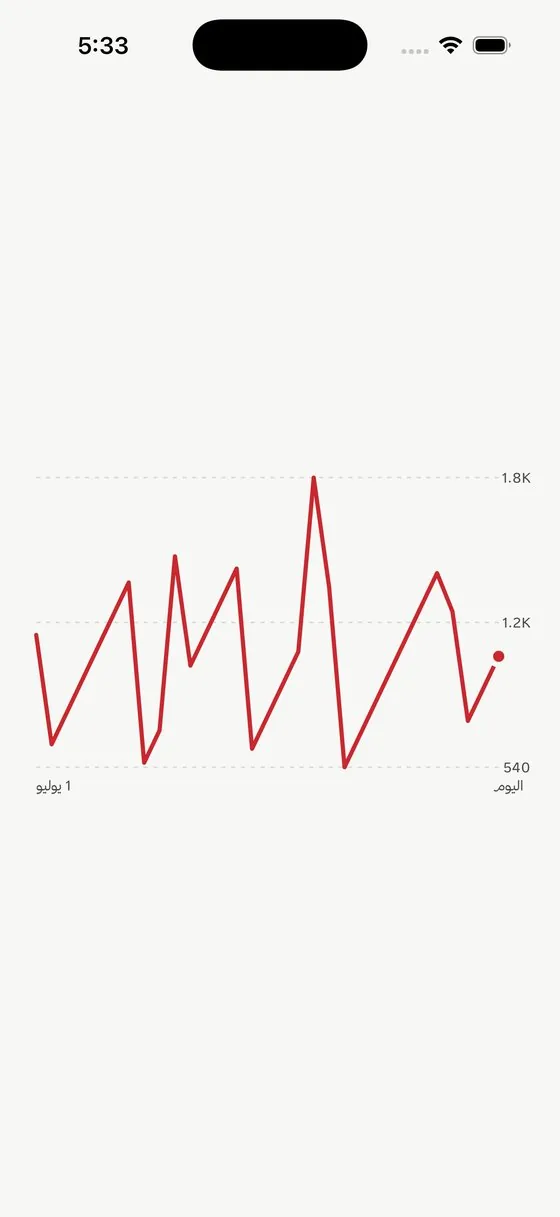
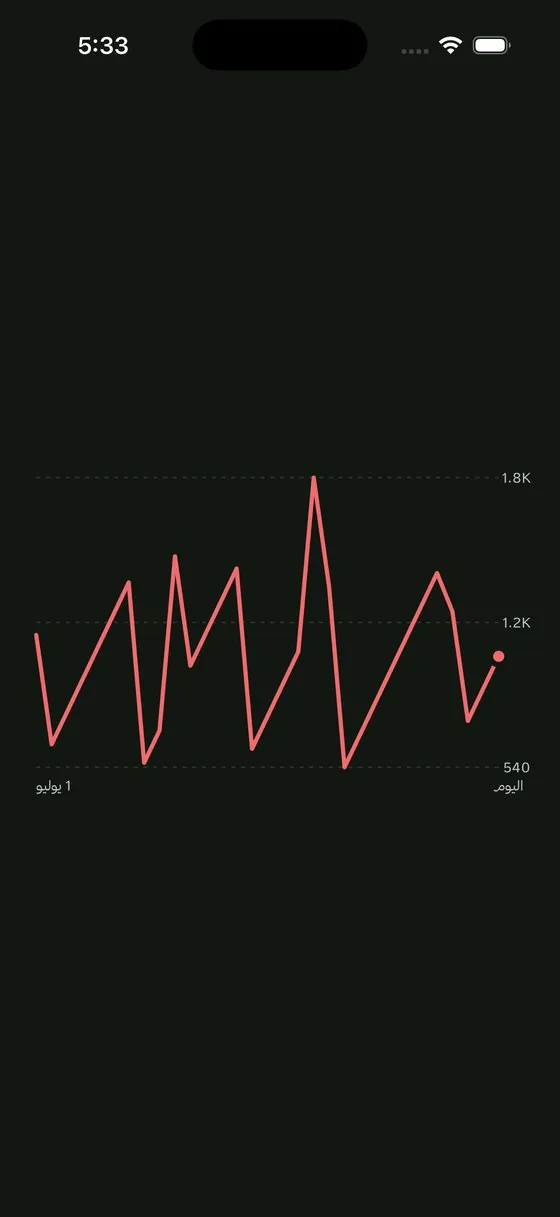
From the app, with figures masked for privacy
How to use it
- Open Statistics and pick a range: this month, all time, or one you define.
- Tap any figure to see what it means, how it's calculated, and a worked example.
- Compare month to month to see "what changed and why."
- You also learn "why did I spend?": every expense is tagged essential, lifestyle or investment.
A budget per category, a goal per saving
Because a clear ceiling prevents overspending before it happens, not after.
How to use it
- Set a ceiling per category, or let the budget wizard suggest a split based on your income.
- A progress bar shows where you stand against the ceiling, daily.
- Set savings goals with an amount and a date, and move money to them in one tap.
- Your financial month starts on your payday, even when that isn't the 1st.
A debt ledger with names attached
Because memory fades, and a dated record settles the argument.
How to use it
- Record what you're owed and what you owe, by person and date.
- The net position per person is always visible.
- Instalments as their own entity, with progress and a countdown.
- A card-payment reminder before the due date passes.
Recurring commitments log themselves
What repeats every month shouldn't be typed every month.
How to use it
- Set it once — rent, an instalment, a subscription — with its amount, wallet and date.
- It's logged automatically on the day, appears in your history, and you get a notification.
- A list of what's coming up, so nothing is deducted by surprise.
- And any instalment tied to a commitment tracks its own countdown.
The Athar Assistant
Ask your money directly instead of digging through menus.
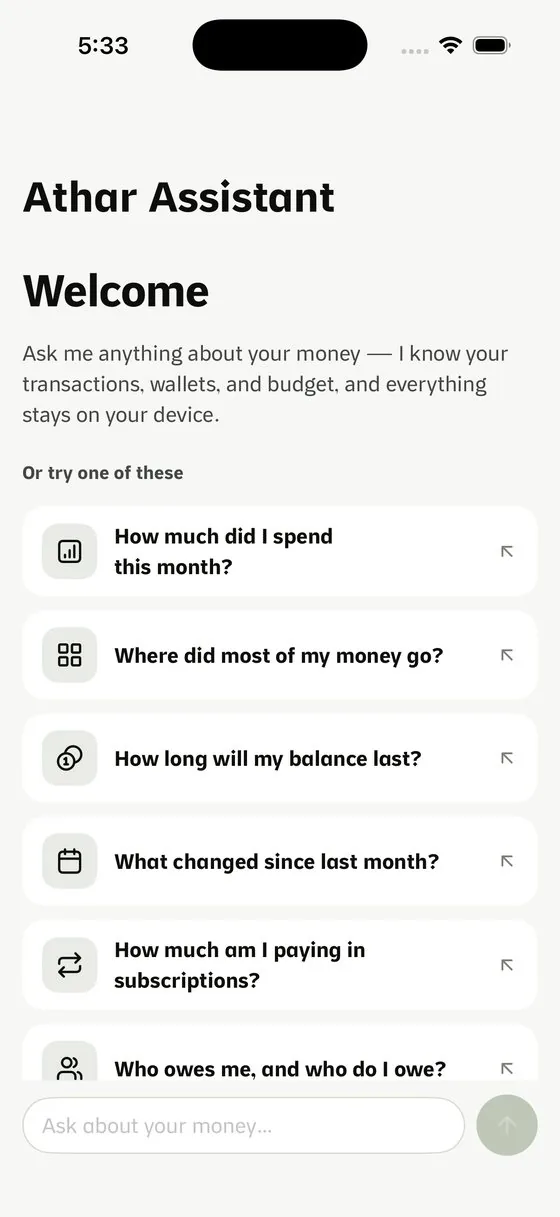
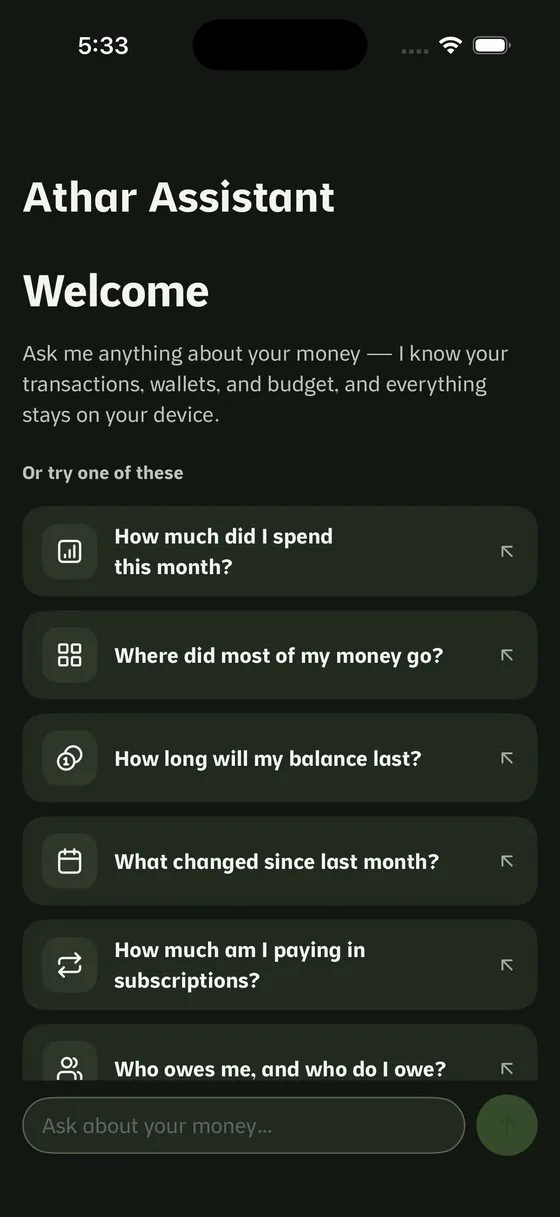
From the app, with figures masked for privacy
How to use it
- Ask in your own words: "How much did I spend this month?", "Where did most of my money go?" or "How long will my balance last?"
- Quick commands:
/summaryfor a period summary,/transactionfor a fast entry. - Use
@to mention a specific wallet, category or debtor. - It answers without internet using on-device intelligence, and computed answers are 100% accurate.
Automatic subscription detection
Because the most dangerous expense is the one that leaves without you noticing.
How to use it
- Athar spots a subscription when a similar amount repeats across months.
- The alert reaches you before the renewal date, so the charge never surprises you.
- Review the list and decide: keep it or cancel it.
A self-building archive and reports that explain
So you know why this month turned out different, with a clear explanation behind every number.
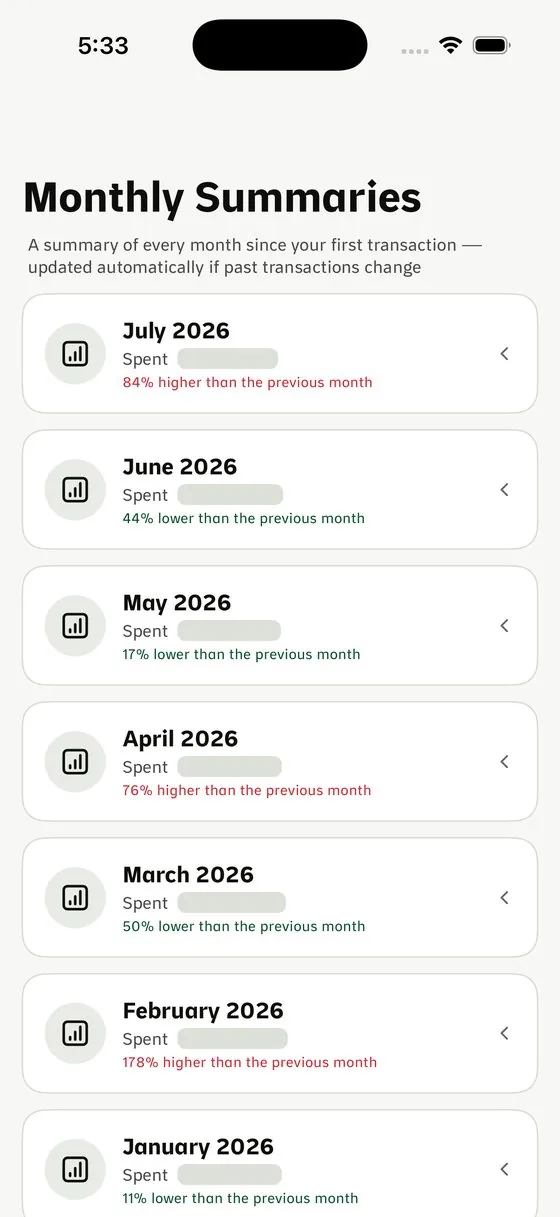
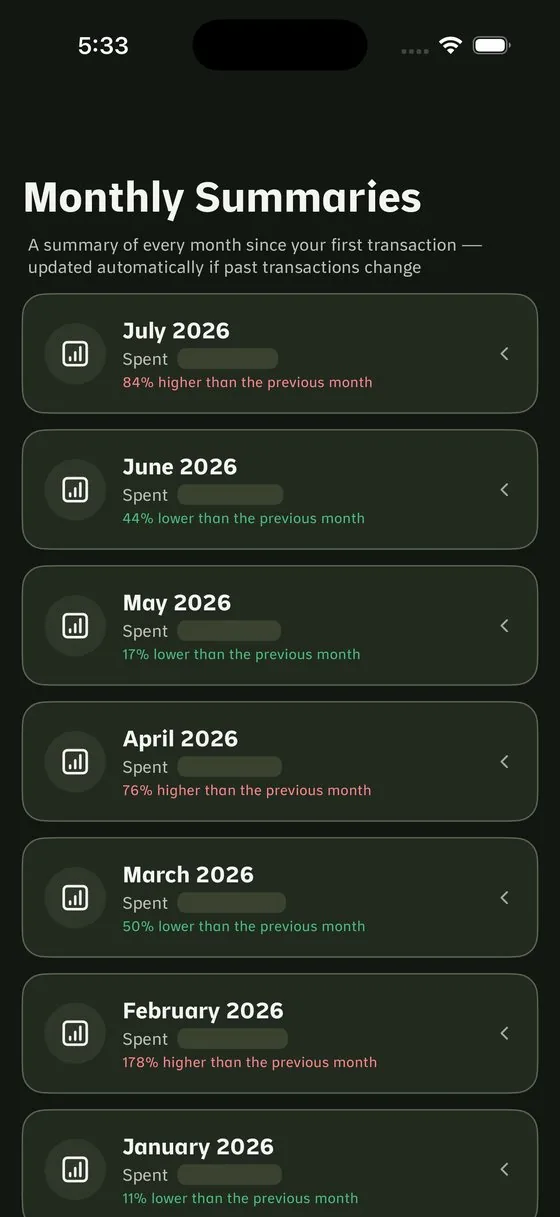
From the app, with figures masked for privacy
How to use it
- At each month's end, Athar closes the month and files it automatically.
- Open any past month and see it exactly as it was.
- Export a PDF report explaining "what changed and why" with a causal comparison.
- A period summary against any comparison you choose.
Privacy and lock
Because your numbers are yours alone, even with someone sitting right next to you.
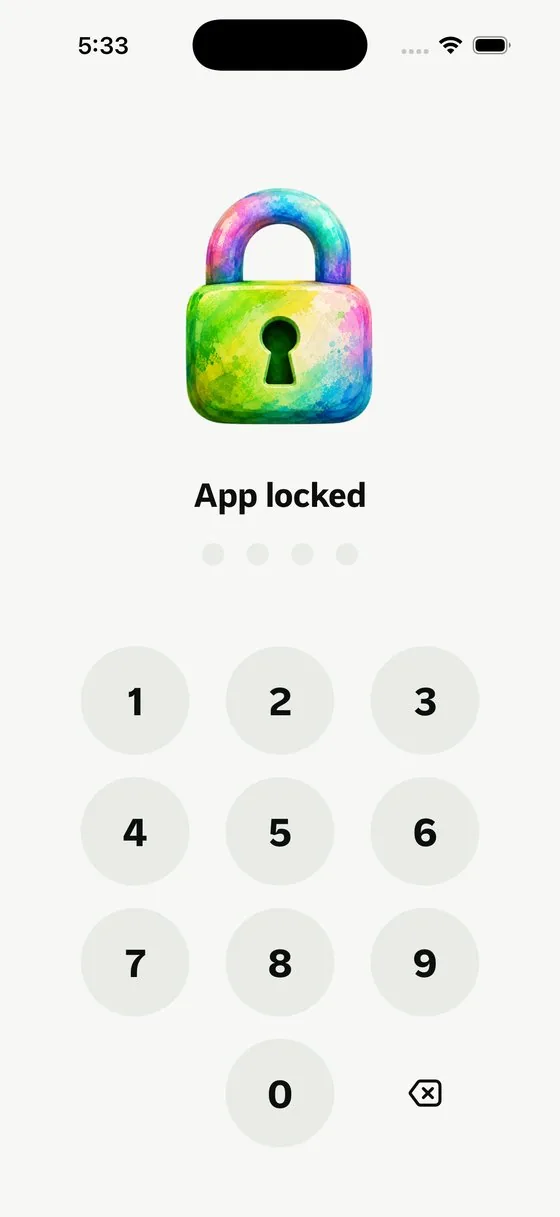
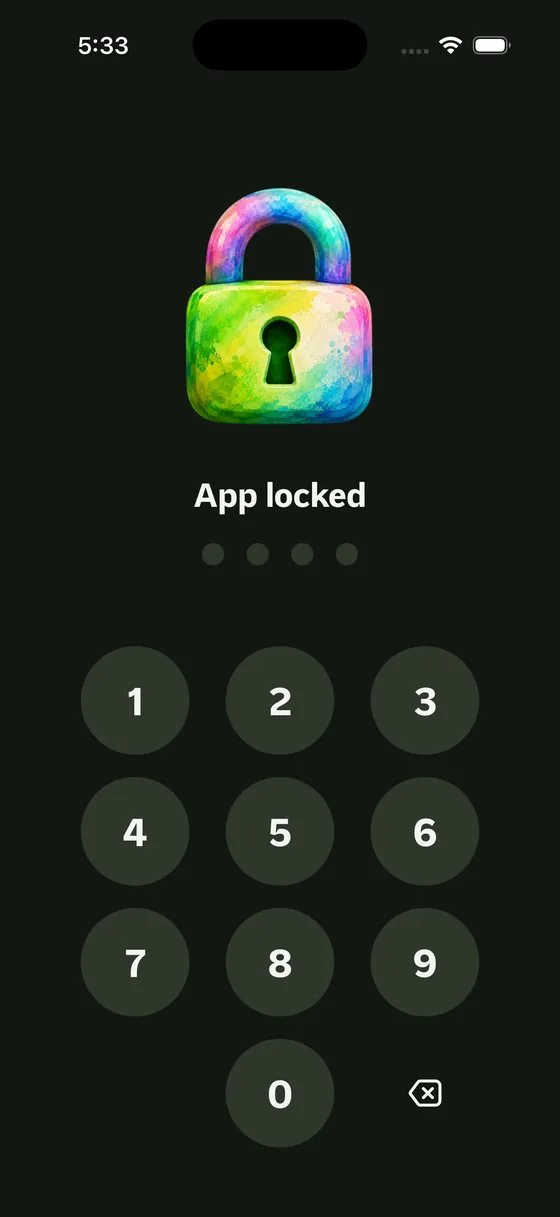
From the app, with figures masked for privacy
How to use it
- Turn on the passcode lock and choose when it's asked for: instantly, or after a delay you set.
- One button hides your figures instantly if someone leans in.
- Backups go to your own cloud (iCloud or Drive). We don't run a server that receives your data.
- Full export is always available, with no limits.
Your language, calendar and currency
Because the app is the one that should adapt to your habits.
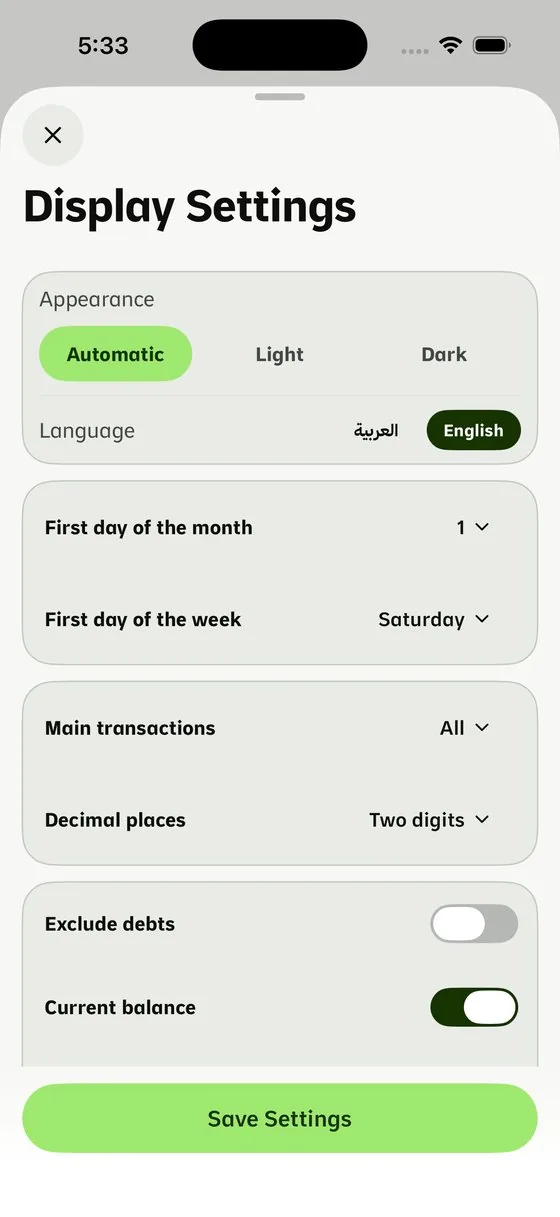
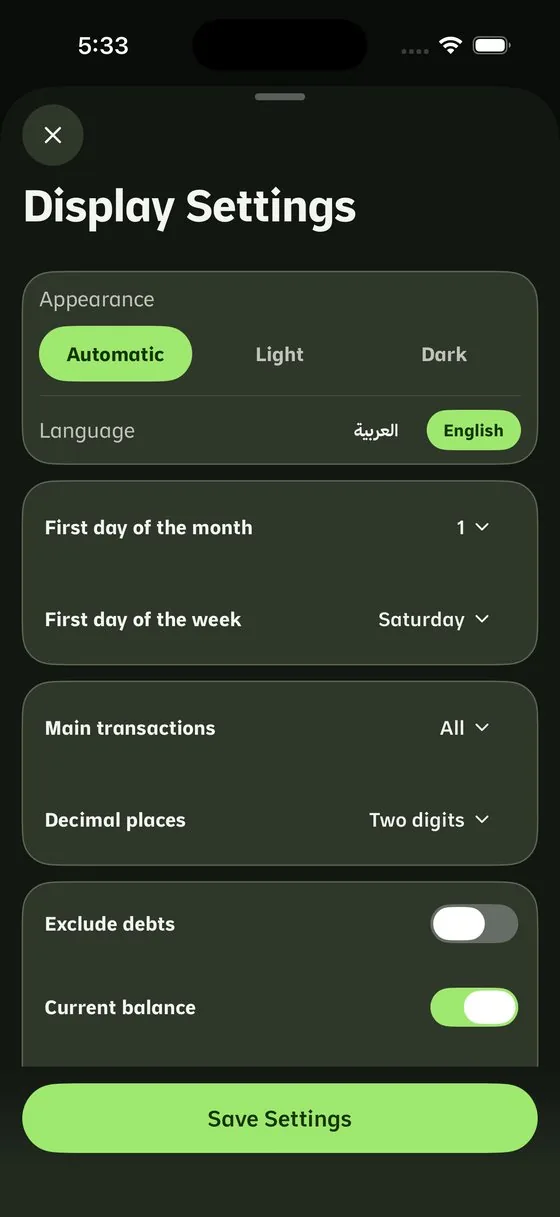
From the app, with figures masked for privacy
How to use it
- Interface in Arabic or English.
- Gregorian or Hijri calendar.
- Multiple currencies with auto-updating rates, and the option to lock a pair manually.
- Available on iPhone and iPad. Android, web and Watch are on the way.